Should I send my resume as a PDF or Word file?
Both work. Greenhouse and Workday HiredScore accept PDF and .docx. What fails is a file with no text in it. A ten-second test, and when Word is the better choice.
Either. Send a PDF or a Word file and the applicant tracking system will take it. Greenhouse accepts .doc, .docx, .pdf, .rtf and .txt, and Workday's HiredScore documentation lists the same five formats. The advice to always send Word does not match what either vendor documents.
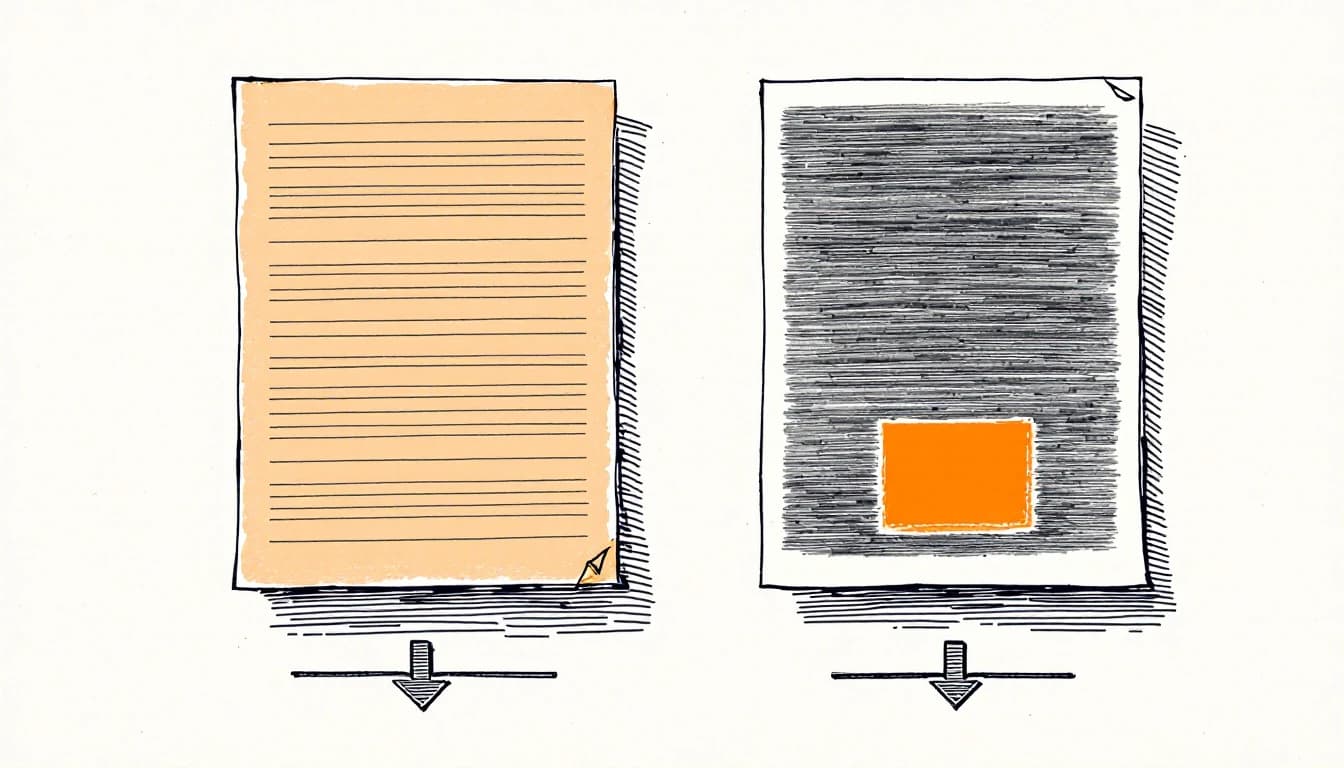
The file type is not the question that decides whether your resume gets read. The question is whether the file contains text at all. A PDF exported from Word has text in it. A scan of a printed page, saved as a PDF, does not. Both end in .pdf, and only one of them can be parsed.
What the vendors accept
Two widely used systems publish their formats, and they agree.
- Greenhouse, in "Supported formats for resumes, cover letters, and other candidate uploads" (updated 19 August 2026): .doc, .docx, .pdf, .rtf and .txt, and "Candidate uploads can be up to 100 MB".
- Workday HiredScore: "HiredScore supports these file types for resume attachments: DOC, DOCX, PDF, RTF, and TXT."
Neither page ranks one format above another. Neither says a PDF is parsed less well. If an employer's form takes your file, the format was accepted.
Size is the limit people miss. Greenhouse takes an upload of 100 MB, but its parse page adds that "Greenhouse Recruiting can't parse resumes larger than 2.5MB." A text resume exported from Word is far below that. A resume carrying a large photo or a scanned certificate may not be.
The exception is the form itself. Some portals and some recruitment agencies state what they want. If the posting says Word, send Word. That instruction outranks anything on this page, including our view further down.
The failure that looks like a format problem
A parser reads the text layer: the characters stored inside the file, as opposed to the picture of them you see on screen. A document typed in Word or Google Docs and exported as a PDF keeps that layer. A page that was printed and scanned, photographed with a phone, or exported from a design tool as a flat image has only the picture.
Greenhouse's "Unsuccessful resume parse" page (updated 2 March 2026) names this directly. Its list of causes includes "Resumes that are uploaded as an image, rather than a document (such as a .docx or .pdf)" and "Resumes that include graphics, photos, or word art".
So the person who sent a PDF and heard nothing may conclude that PDFs fail. What failed was the picture inside the PDF. Re-exporting the same file to Word would not have fixed it, because there was never any text to move.
| What you send | Has a text layer? | What a parser gets |
|---|---|---|
| PDF exported from Word or Google Docs | Yes | Your text, in the file's reading order |
| .docx | Yes | Your text, plus whatever is hidden in the file |
| Scan or phone photo saved as PDF | No | Nothing to read. Greenhouse calls it an unsuccessful parse. |
| PDF where the name is a logo or the skills are icons | Partly | The body text, without the parts that are pictures |
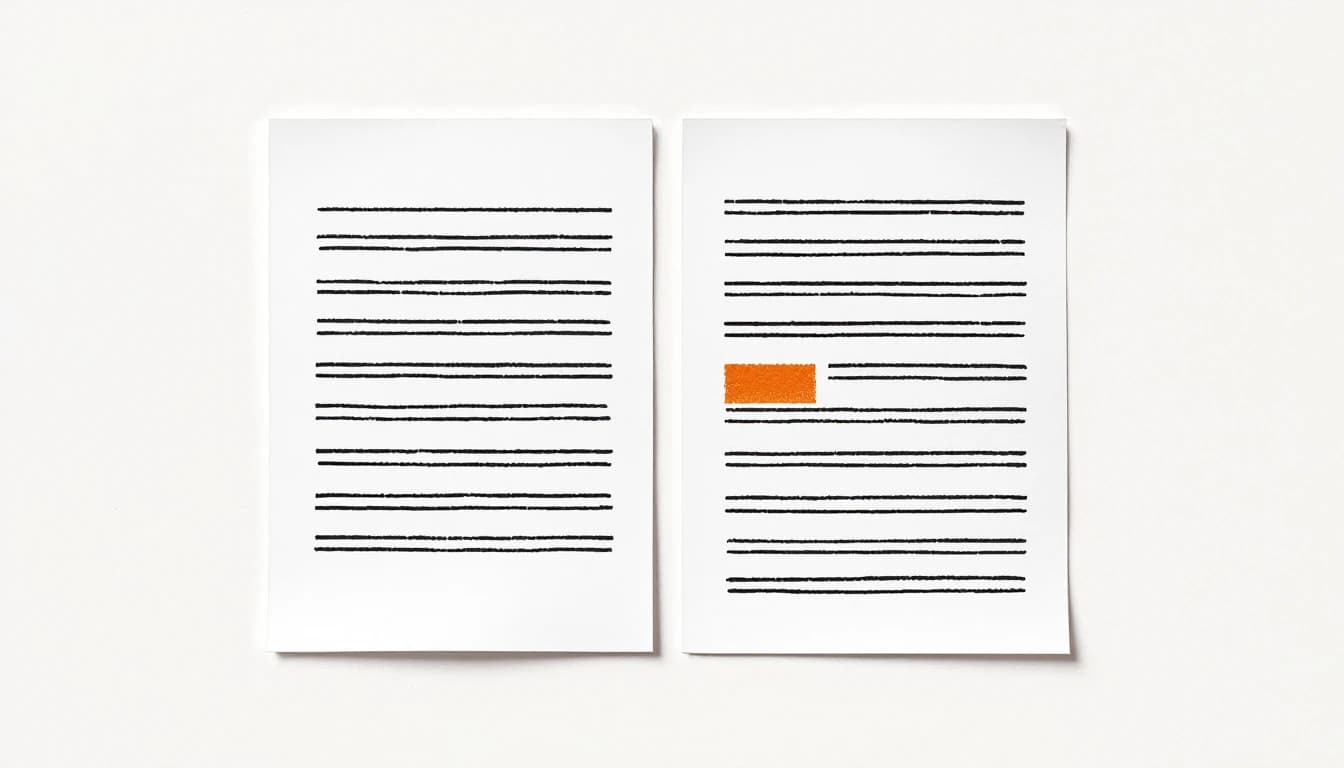
The last row is the one people miss. A resume can have a text layer and still lose its most important line, because the name at the top was placed as an image to keep a special font.
How to check your file in ten seconds
You cannot test an employer's parser from the outside. Nobody can. You can test whether your file has anything for a parser to read.
- Try to select one word. Open the PDF and drag across your first name. If that one word highlights on its own, there is text. If the whole page turns blue as one block, the page is a picture.
- Copy everything into a plain text editor. Select all, copy, paste. Every line you can see on the page should appear, including your name, email and phone number. A line that is missing was not text.
- Read the order. Each job title should sit next to its employer and its dates. If it does not, the problem is layout rather than format, and what a column does to the parser explains why.
- See a real parse. Upload your resume to Rzume. The parse is free and needs no account, and it takes PDF and .docx. If the file has no readable text, it tells you so instead of guessing: "We could not read any text in that file. If it is a scan or a photo, export a PDF with real text from Word or Google Docs." Rzume does not read images, on purpose, because its job is to show what a parser can see.
What a Word file carries that a PDF does not
This is the part of the question that has nothing to do with software.
A .docx is not a finished page. It is a set of instructions that the reader's copy of Word, or Google Docs, or whatever their laptop opens it with, draws again. If they lack your font, a different one takes its place, and the line break you fixed at midnight can move. A PDF fixes the page as you saw it.
A .docx also keeps things you may not want to send. Microsoft's own support page on inspecting documents lists "Comments, revision marks from tracked changes, versions, and ink annotations", document properties such as the author, and "text that is formatted as hidden text". A resume that started from a friend's template can still carry their name in its properties. One that you edited with track changes on can still show the old version of a line.
Hidden text is worth a second look for a different reason. Formatting words as hidden, or in white, to feed keywords to a screener is a tactic people still recommend, and it does not work the way they think.
If you do send Word, run File, Info, Check for Issues, Inspect Document on a copy first. Microsoft's page warns that removed content may not come back with Undo, which is why it is a copy.
So which one should you send?
Our view, which no study settles: a PDF, unless someone asks for Word.
The PDF keeps your layout, carries no edit history you forgot about, and is accepted by every system that documents its formats. The two good reasons to send Word are both instructions from the other side. A portal that only takes .docx, or an agency that rebuilds every CV in its own template and needs to edit yours, should get the format it asked for.
Whatever you send, make it from the document you typed. Export the PDF from Word or Google Docs. Do not print it and scan it back, and do not photograph it.
The file type is one of three things worth checking before you apply. The other two are in is my resume ATS friendly, and if a rejection already arrived a few minutes after you clicked submit, what fires that fast is almost never your file.
Check what the parser reads
The test that settles it takes a minute. Upload your resume as a PDF or a .docx, and Rzume shows you the parse before it says anything about your writing. If the file is a picture, you will know before an employer's system finds out.
Sources
- Greenhouse, Supported formats for resumes, cover letters, and other candidate uploads, last updated 19 August 2026.
- Workday HiredScore, Candidate profiles.
- Greenhouse, Unsuccessful resume parse, last updated 2 March 2026.
- Microsoft Support, Remove hidden data and personal information by inspecting documents, presentations, or workbooks.
All accessed 28 October 2026.